7-5 YOLO Environment Setup
This chapter will guide you through setting up the YOLO11 runtime environment on the NVIDIA Jetson Orin NX and its Jetson Linux operating system. It covers the necessary hardware and software configurations, as well as optimization steps. Upon completion of this chapter, you will be able to successfully run YOLO11 on the Orin NX and perform object detection tasks.
Learning Objectives
1. Understand the hardware specifications of the Jetson Orin NX and their impact on the YOLO11 environment.
2. Download and set up the Ultralytics YOLO11 repository, adapted for the Orin NX hardware environment.
3. Execute test examples to verify the correctness of the YOLO11 environment.
4. Master troubleshooting and solutions for common environment issues on the Jetson platform.
About YOLO11
YOLO11 is specifically designed for real-time object detection and computer vision tasks. It features an improved backbone and neck architecture, enhancing feature extraction capabilities to achieve higher precision. It supports multi-tasking—including object detection, instance segmentation, pose estimation, and image classification—making it ideal for edge devices. Its optimized training workflow and flexible deployment options allow for wide application in autonomous driving, security surveillance, and other fields, demonstrating exceptional real-time performance and versatility.
// Install ultralytics (PyTorch version must be higher than v1.8)
pip install ultralytics
//Reinstall a specific version of numpy
pip uninstall -y numpy
pip install "numpy<2"
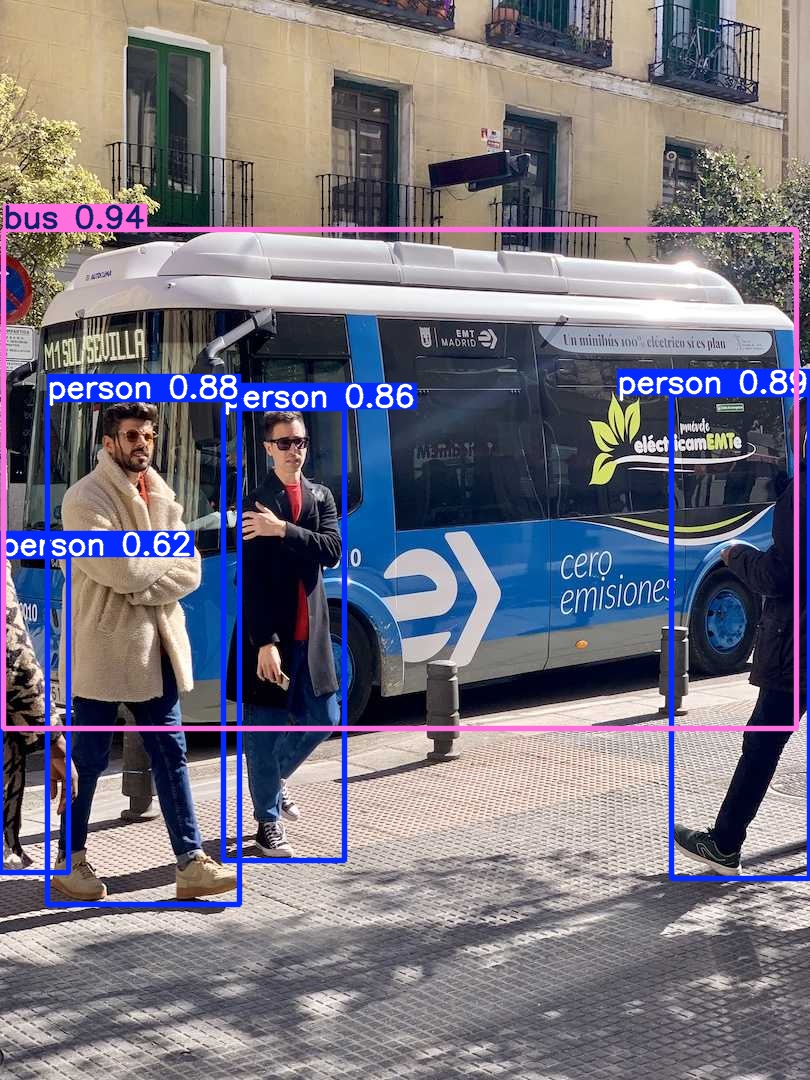
// Confirm successful installation via CLI
// Output results will be located under runs/detect/predict
yolo predict model=yolo11n.pt source='https://ultralytics.com/images/bus.jpg'