8-1 Hugging Face
Learning Objectives
This document aims to help readers quickly master how to deploy state-of-the-art large models from scratch on the Hugging Face platform. It introduces how to use major models such as Meta AI’s Llama 3 and Code Llama, Alibaba’s Qwen 2.5, Microsoft’s Florence and Phi-4, Google’s Gemma, as well as DeepSeek’s DeepSeek-R1 and DeepSeek VLM.
What is Hugging Face?
// If you encounter any Docker-related errors, please refer to the tutorial in Chapter 5
git clone https://github.com/dusty-nv/jetson-containers
bash jetson-containers/install.sh
Download and launch the image
Hugging Face is an open-source community platform focused on AI, where everyone can:
1. Publish and download pre-trained models: AI "brains" that have already learned from large amounts of text or image data.
2. Share datasets: Raw data used to train AI, such as large collections of articles, images, or audio files.
3. Showcase interactive mini-applications (Spaces): Simple web interfaces that allow others to try out your AI demos.
Why Do You Need an Access Token?
When you want to directly download models or call services through Hugging Face’s APIs, you need to first "authenticate" yourself to the platform to prove that you are an authorized user. At this point, a personal Access Token is required.
How to Obtain One?
1. Go to the Hugging Face Access Tokens page. (https://huggingface.co/settings/tokens)
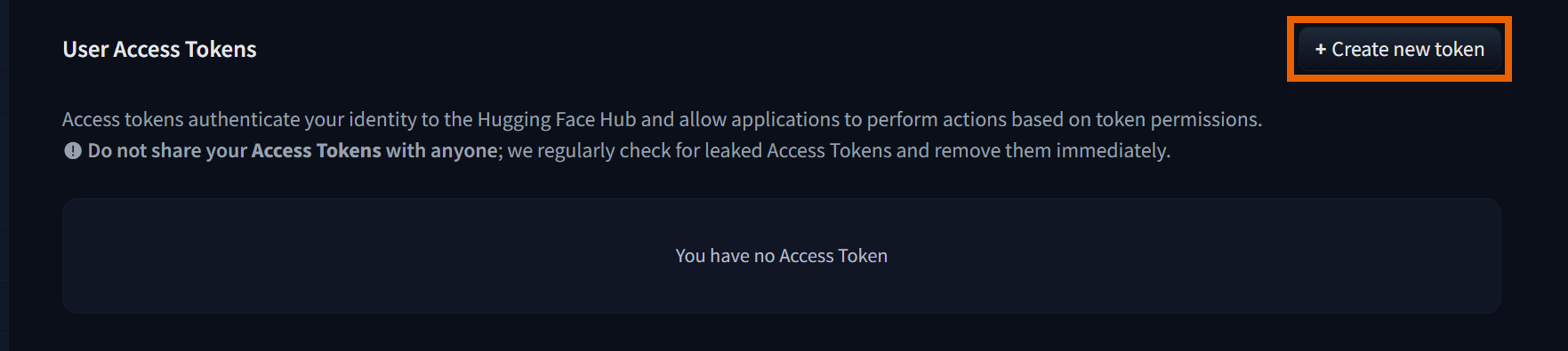
2. Click Create new token
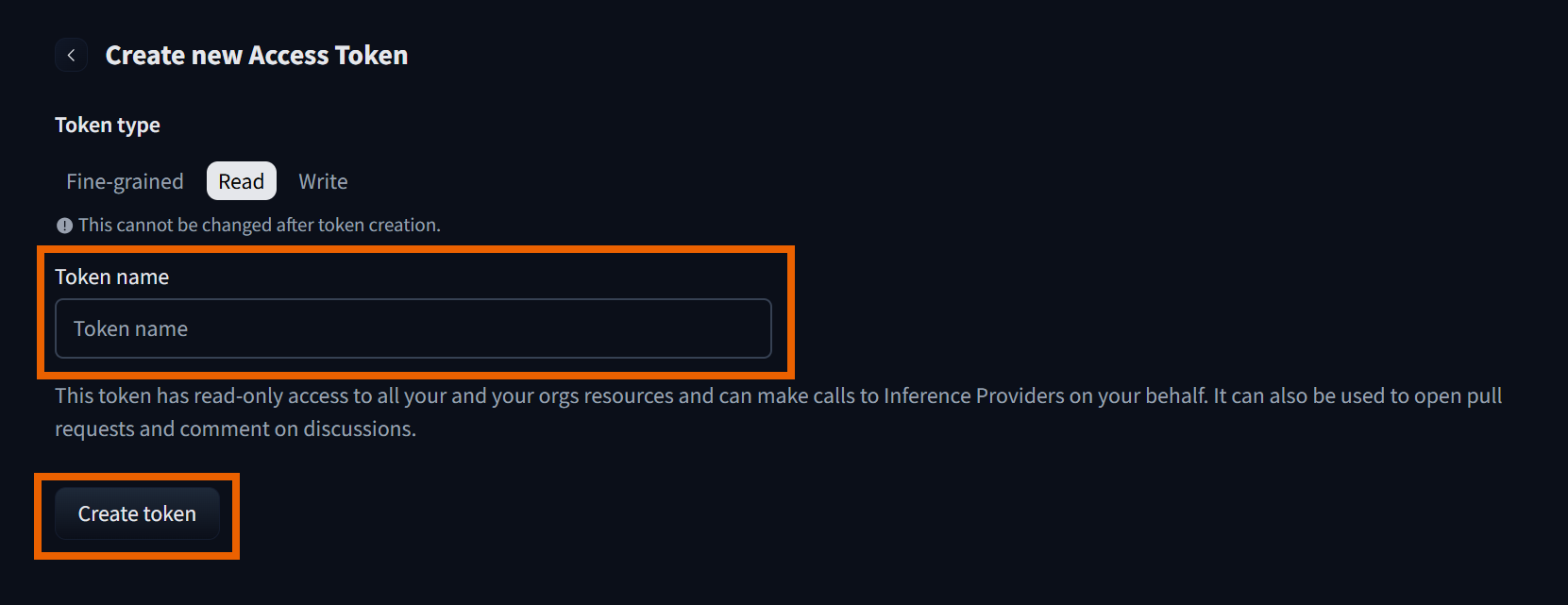
3. Select Read, enter a token name, and then click Create token.
(1) Please remember the generated token.
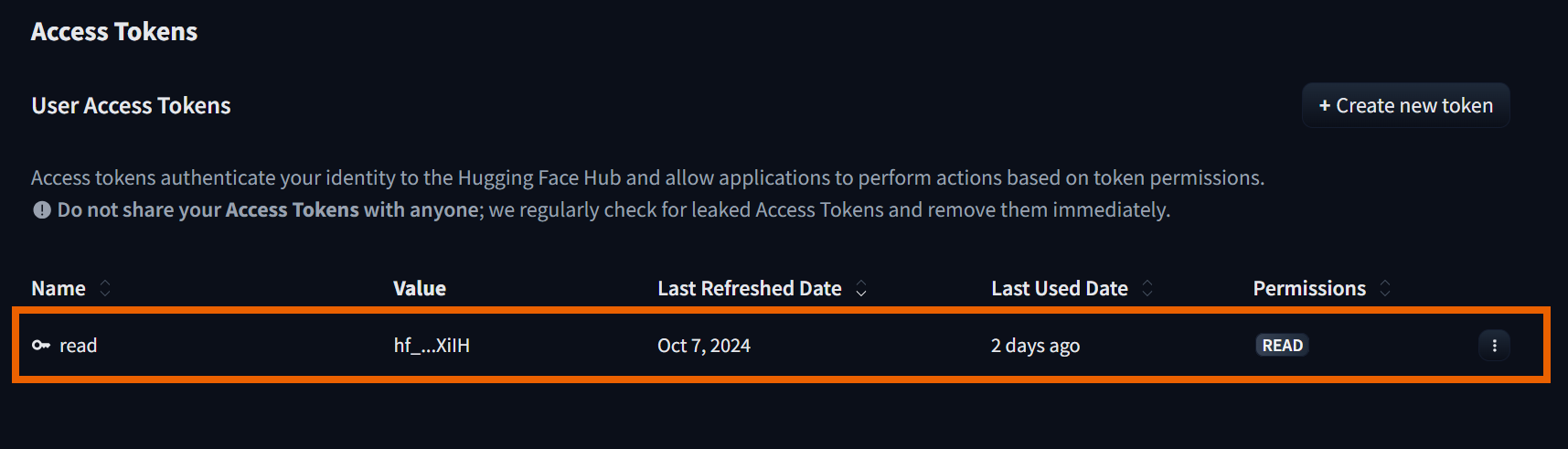
4. Once successful, you will see the newly created token displayed.